
Showit and Squarespace are two of the most popular website builders for photographers, coaches, designers and other creatives. Both let you start from a professionally designed template and edit it without code, but they work in quite different ways. This guide compares how they work day to day, so you can decide which one fits your business before you buy a template.

This is a practical comparison, not a lab test. Both platforms update their features often, so treat it as a starting point and confirm the details on their official websites.
Disclosure: some links on this page are affiliate links. If you buy through them, Market WP Themes may earn a commission at no extra cost to you. Platform features and prices change, so check the official websites and the product pages before you decide.
Showit vs Squarespace at a glance
| Showit | Squarespace | |
|---|---|---|
| How you design | Drag-and-drop canvas: you place text and images wherever you want, and you design the desktop and mobile layouts separately. | Section-based editor built on a grid: you customize within a structure, which keeps layouts consistent. |
| Blog | Showit connects to WordPress for blogging. | Blogging is built in. |
| Store, booking and email | Focused on the website itself, so you usually connect separate tools for these. | Offers built-in tools for selling, scheduling and email campaigns. |
| Learning curve | More freedom means more decisions, so it can take longer to get comfortable. | More guided, which many beginners find easier. |
| Templates | Both platforms have templates from independent designers, like the ones in our catalog. A template is built for one platform, so you cannot use a Showit template on Squarespace or the other way around. | |
Choose Showit if…
- You want a highly custom, editorial look where you control the position of every element.
- Your brand is visual, for example photography or weddings, and you want images to take center stage.
- You are comfortable connecting other tools for things like booking, email and payments.
- You are happy to run your blog on WordPress.
Choose Squarespace if…
- You want an all-in-one platform where the website, blog and other business tools live in one account.
- You would rather work within a structure than design every layout from scratch.
- You plan to sell products or services, or take bookings, and want those tools built into the same platform.
- You are new to building websites and want a gentler learning curve.
Templates to look at
Whichever you choose, starting from a good template saves a lot of time. Here are three photography templates for each platform from our catalog, with what each one is designed for according to the designer’s own listing.
Showit templates
Joelle: bright and playful
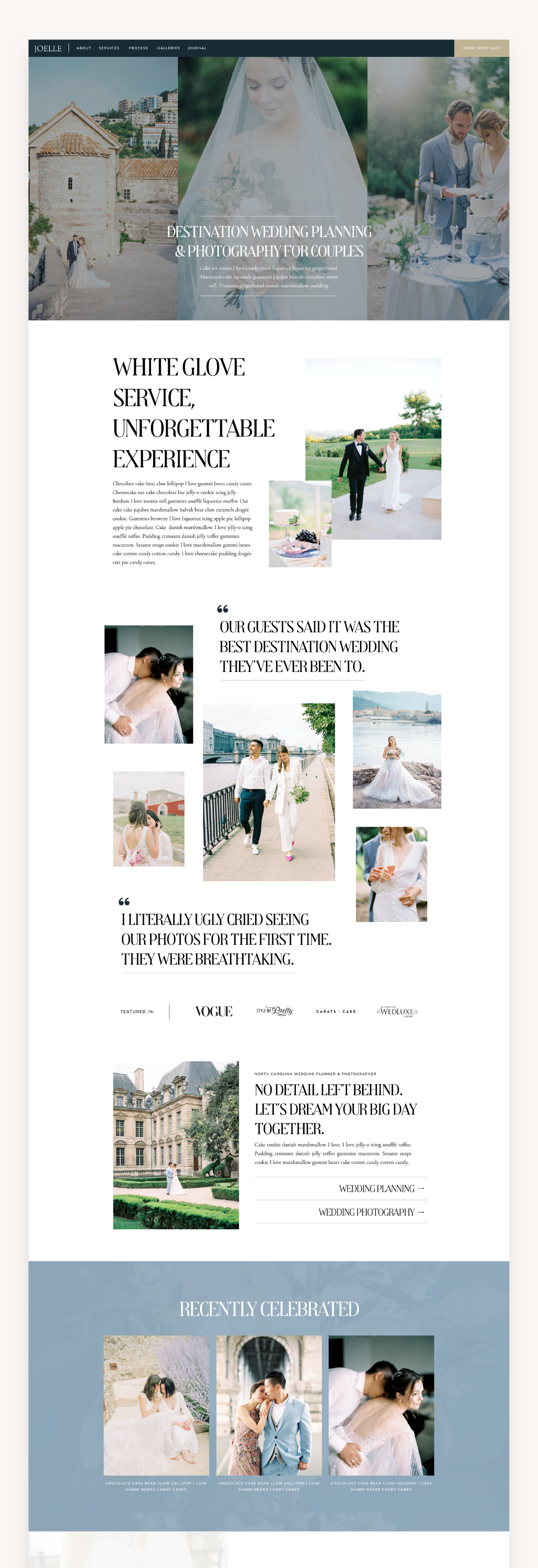
Joelle is a bright, playful Showit template built for photographers who want their galleries to feel warm and personal, with bold layouts and subtle animation that keep visitors scrolling.
Price: $597 · See the template →
Hailey: warm and image-first
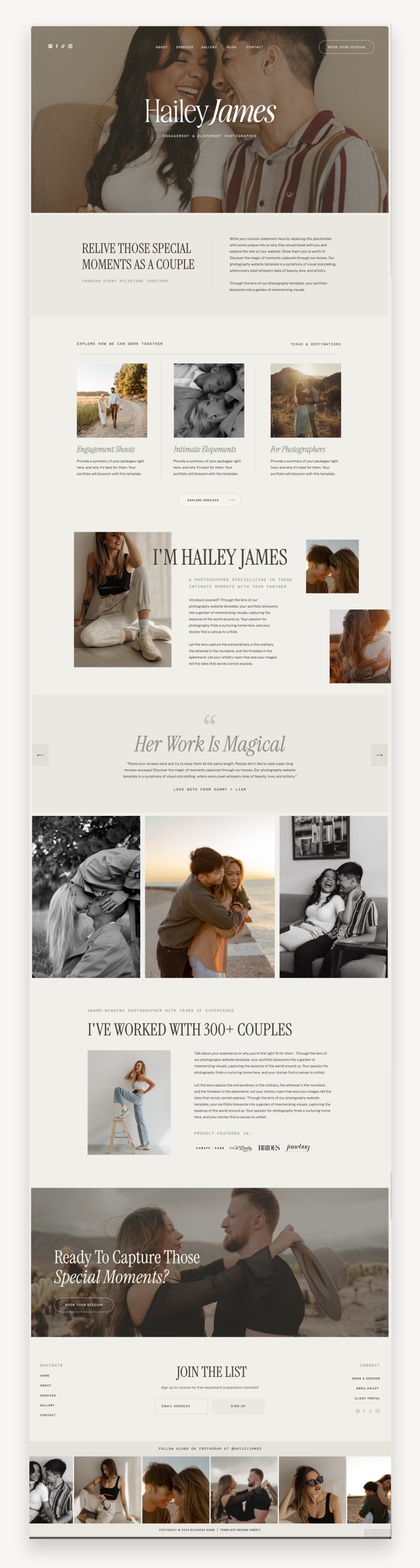
Hailey is a beautiful and warm Showit template built to show off your imagery. It is aimed at photographers, videographers, wedding professionals and any business owner who wants a website that lets images take center stage.
Price: $498 · See the template →
Sunny Days: warm and fun
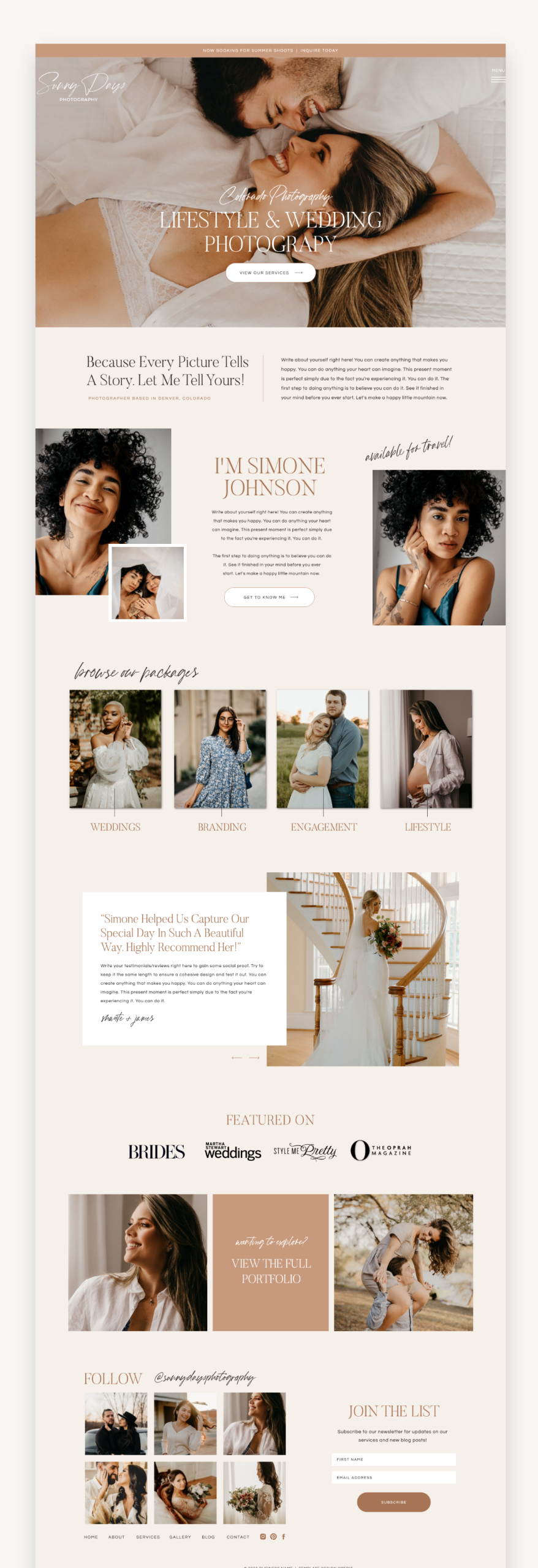
Sunny Days is a warm and fun Showit template designed for photographers and wedding professionals. It consists of 6 crafted pages, each designed for easy customization to reflect your brand.
Price: $498 · See the template →
Squarespace templates
Maree Noire: structured and elevated
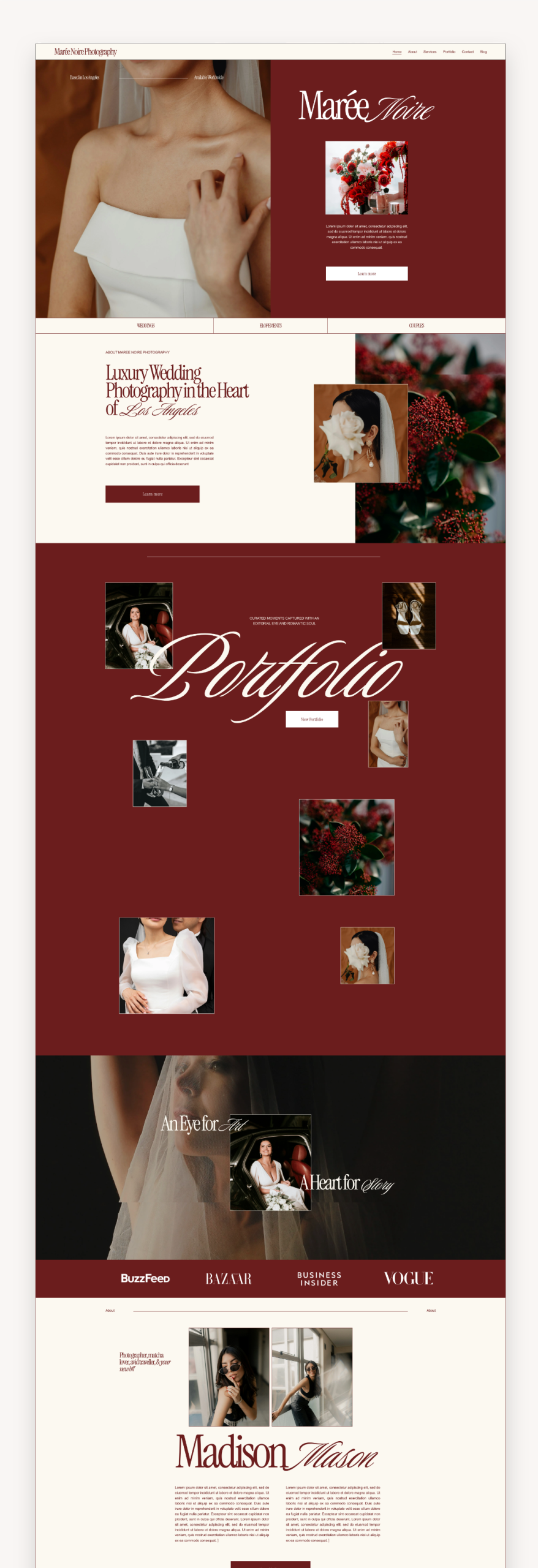
Maree Noire is crafted for luxury photographers, wedding planners and creative professionals, with structured layouts and elevated typography.
Price: $199 · See the template →
Ava St Clair: for wedding and travel photographers
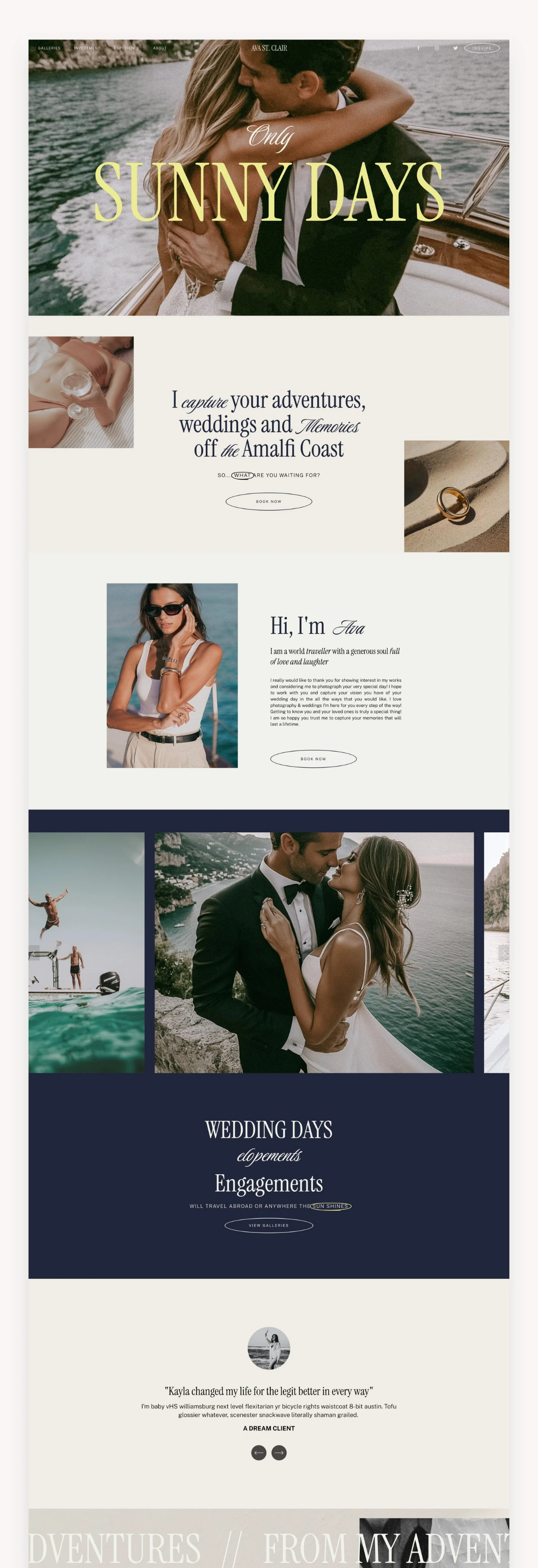
Designed for wedding and travel photographers who want a refined Euro summer aesthetic, with soft vintage charm, coastal influences and an elevated editorial look.
Price: $297 · See the template →
Vivienne: elegant and portfolio-first
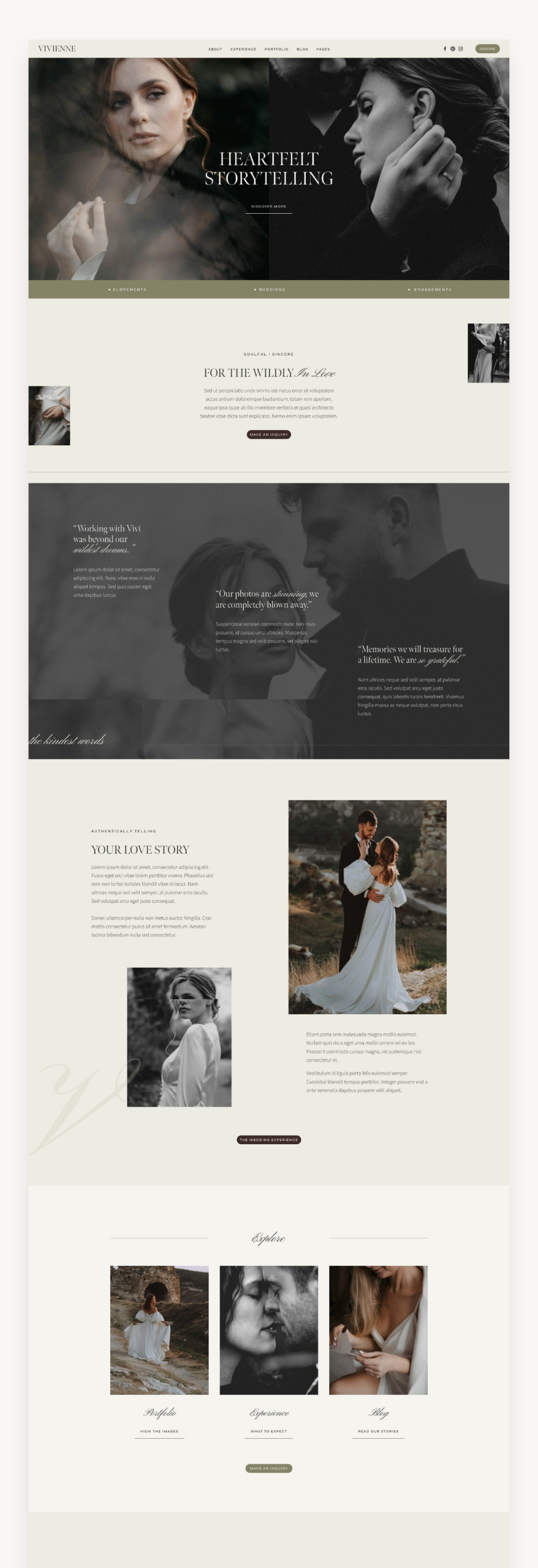
Vivienne is an elegant template for photographers, thoughtfully designed to present your portfolio with refined layouts and delicate typography.
Price: $225 · See the template →
You can browse everything in our Showit templates and Squarespace templates collections. If you work with coaches or wellness clients, see our guide to the best Squarespace templates for coaches in 2026, and for more photography options read Best Photography Squarespace Templates.
Leave a Reply